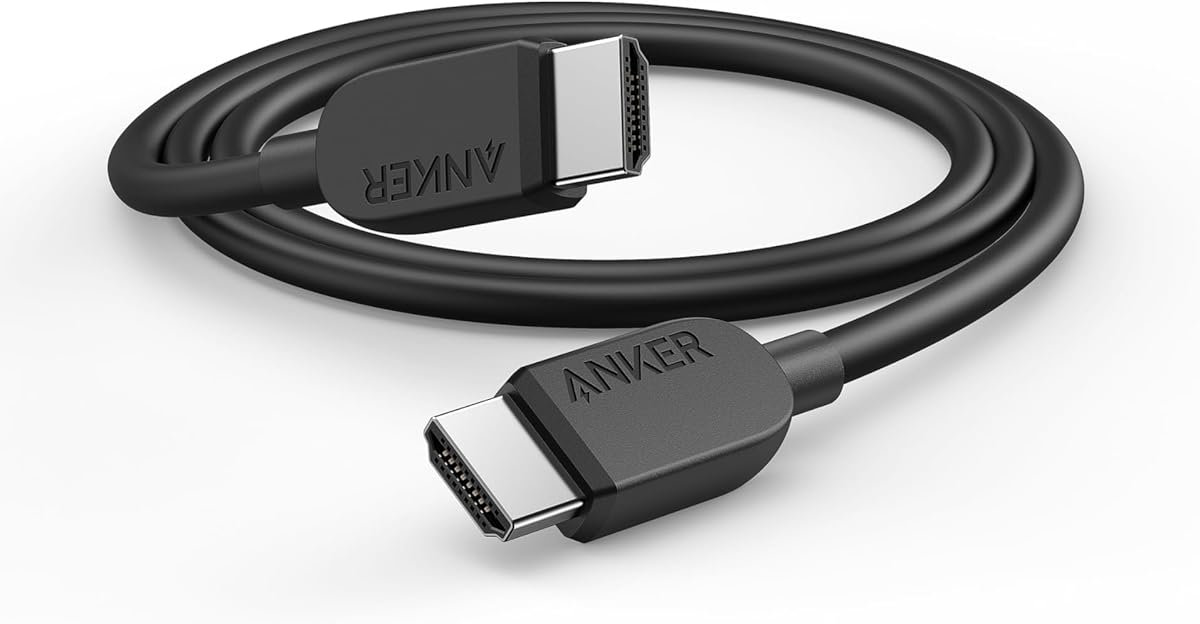
Anker HDMI 2.1 Cable
4.7Editor score
48Gbps Ultra High-Speed bandwidth
4K at 120Hz support
Rated for 1,000 bends
Six-foot cable length
Discover the best HDMI cable for PS5, with 10 expert-reviewed options compared for 4K gaming, bandwidth, durability, length, and setup flexibility.
Choosing the right HDMI cable for PS5 matters when you want dependable 4K gaming, smooth high-refresh-rate performance, and support for modern features such as VRR and HDR. The most suitable cable balances certified bandwidth, durable construction, practical length, and clean compatibility with your television or gaming setup.
This guide compares ten HDMI 2.1 cables marketed for PS5, officially licensed options, and general-purpose Ultra High-Speed alternatives. We evaluated the stated specifications, supported resolutions, gaming features, connector construction, cable length, shielding, and intended use rather than claiming first-hand performance testing.
Each review explains who the cable is best for, where it fits naturally in a gaming setup, and which compromises may matter. Ratings reflect the supplied customer feedback, while availability and prices change frequently, so shoppers should confirm the current listing and television requirements before purchasing.
The PS5 can display games at up to 4K and supports high-refresh-rate modes, but the final experience depends on the television, game, and connection together. A cable must be suitable for the intended display, and not every feature advertised by a cable manufacturer is necessarily used by the PS5.
4.7Editor score
4.8Editor score

4.8Editor score
The comparison below places all ten cables by their most useful distinctions: length, bandwidth, maximum advertised resolution, and important gaming or construction features. It is designed to help PS5 owners identify a suitable connection for a compact setup, wall-mounted television, or entertainment system without overlooking compatibility.


The Hori Ultra High Speed HDMI Cable is a strong all-around recommendation for PS5 owners who value a straightforward, officially licensed connection. It has a 4.7 rating and is explicitly designed for PlayStation 5, making its intended use unusually clear. Its 6.5-foot length is sufficient for most entertainment centers without introducing substantial excess cable.
We may earn a commission when you buy through this link, at no additional cost to you.
The cable follows HDMI 2.1 specifications and is compatible with 8K and 4K output, providing the bandwidth foundation associated with modern high-performance displays. A nylon-braided exterior and metal connector housing are especially useful in a gaming setup, where cables are frequently moved, gathered behind a television, or plugged and unplugged. The Sony licensing also adds reassurance that the product was created specifically around PlayStation expectations.
The main compromise is length. A 6.5-foot cable can be tight when the PS5 is positioned far from a wall-mounted screen or in a media console with less visible cable management. It also may be less useful for a living-room arrangement that requires the console to remain several feet from the display. Otherwise, the licensing, construction, and modern specifications create an uncomplicated package.
This is the recommendation for most PS5 setups: a buyer gets a purpose-made cable, modern 4K-oriented specifications, and a durable exterior without needing to decipher a long list of generic capabilities. Choose it when Sony licensing, reliable construction, and a moderate cable length are the leading priorities.
The strongest reason to consider this cable is its explicit PS5 focus. Officially licensed by Sony and described as a Ultra High-Speed HDMI cable for PlayStation 5, it gives console owners a clear reason to expect a suitable connection without relying only on broad compatibility claims.
A nylon-braided jacket and metal housing help the cable tolerate the repeated handling common around a television or media console. These features do not guarantee a particular lifespan, but they make the construction more appropriate for a permanent gaming installation.
We may earn a commission when you buy through this link, at no additional cost to you.
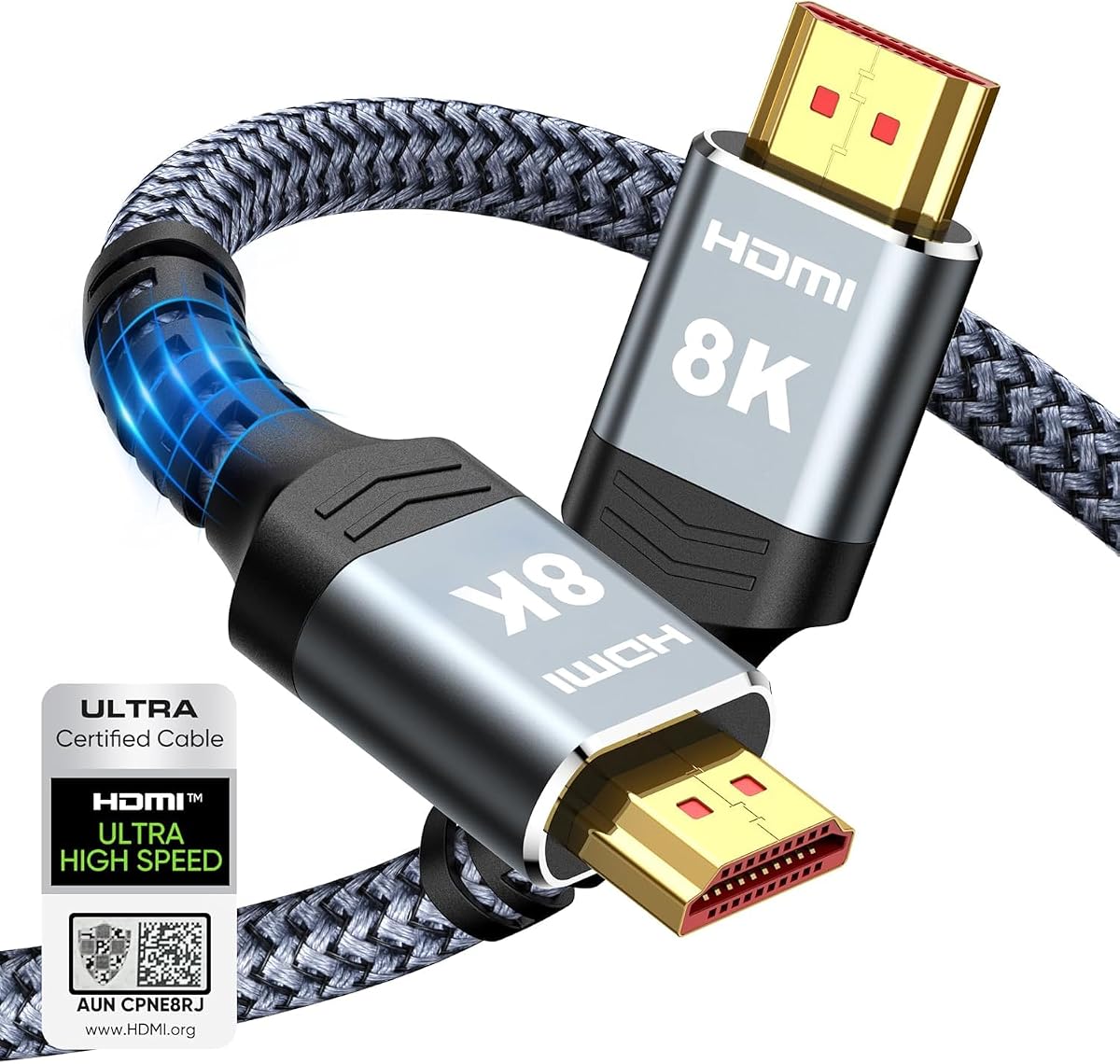
The Highwings 8K HDMI Cable combines a 6.6-foot length with a broad set of advertised HDMI 2.1 capabilities, earning it a 4.7 rating. It supports 8K at 60Hz, 4K at 120Hz, and even 4K at 240Hz in the product specifications. For a PS5 owner, the relevant strength is its 48Gbps bandwidth and support for 4K high-refresh-rate output.
We may earn a commission when you buy through this link, at no additional cost to you.
The cable also advertises variable refresh rate, backward compatibility with older HDMI versions, and an improved anti-bending design at the connector tail. Military-grade tensile nylon is used for the exterior, offering a useful degree of physical protection. Those attributes make it a versatile option for a PS5 setup that may also include a PC, streaming device, or other HDMI source.
Its specification list is heavily oriented toward desktop gaming, including high refresh rates beyond the PS5's normal output. That is not a flaw, but it can make the cable feel over-specified for console-only use. It also lacks the official PlayStation endorsement offered by the Hori and PowerA cables. Buyers prioritizing straightforward PS5 branding may prefer one of those alternatives.
The Highwings remains a sensible general-purpose choice for a standard 4K television and nearby console. It provides the important modern bandwidth, a flexible length, and a durable braided design. Choose it when feature breadth and multi-device usefulness matter more than console-specific licensing.
Supporting 4K at 240Hz and 8K at 60Hz gives the cable considerable headroom. Although the PS5 itself does not require every one of those modes, the specification makes it a sensible shared cable for a gaming PC or a display with broader input support.
Its 6.6-foot length and backward compatibility allow it to serve both modern and older HDMI equipment. That makes it useful in a media cabinet where one cable may need to connect the PS5, a computer, and additional entertainment components over time.
We may earn a commission when you buy through this link, at no additional cost to you.
The Silkland Certified HDMI 2.1 Cable is a feature-rich 6.6-foot option with a 4.7 rating. It emphasizes verifiable HDMI 2.1 certification, 48Gbps bandwidth, 4K at 120Hz, and compatibility with PS5 consoles. For gamers, that combination covers the important connection basics while offering additional features for broader home-entertainment use.
We may earn a commission when you buy through this link, at no additional cost to you.
Its specification list extends to 4K at 144Hz for PCs, 5K and 8K output, Dynamic HDR, VRR, eARC, ARC, Dolby Atmos, DTS:X, and HDCP 2.2 and 2.3. Silkland also describes double-layer fishnet winding, nylon braiding, copper cores, and ferrite magnetic beads as measures intended to support signal integrity and durability. The included QR-code verification route adds a useful layer of authenticity to the certification claim.
The long list of capabilities is both a strength and a reason to read carefully. Some advertised resolutions and refresh rates target PCs rather than the PS5, while eARC and advanced audio functions depend on the television, receiver, and source. A buyer should separate PS5-relevant capabilities from features that serve a wider ecosystem instead of assuming every option is used simultaneously.
This cable is a good all-around pick for a PS5 living-room or gaming setup that also handles music, streaming, and a computer. Its verified certification, robust construction, and broad modern feature support make it more versatile than a basic console cable, although it does not carry the extra reassurance of official PlayStation licensing.
Silkland states that the cable carries official HDMI 2.1 certification and provides a QR-code method for verification. Checking that listing is sensible when purchasing a cable that makes extensive high-bandwidth and feature claims.
HDR, VRR, eARC, and high-bitrate audio support make this more than a basic video connector. It is well suited to a shared setup that includes a PS5, television, soundbar, receiver, or occasional PC connection.
We may earn a commission when you buy through this link, at no additional cost to you.
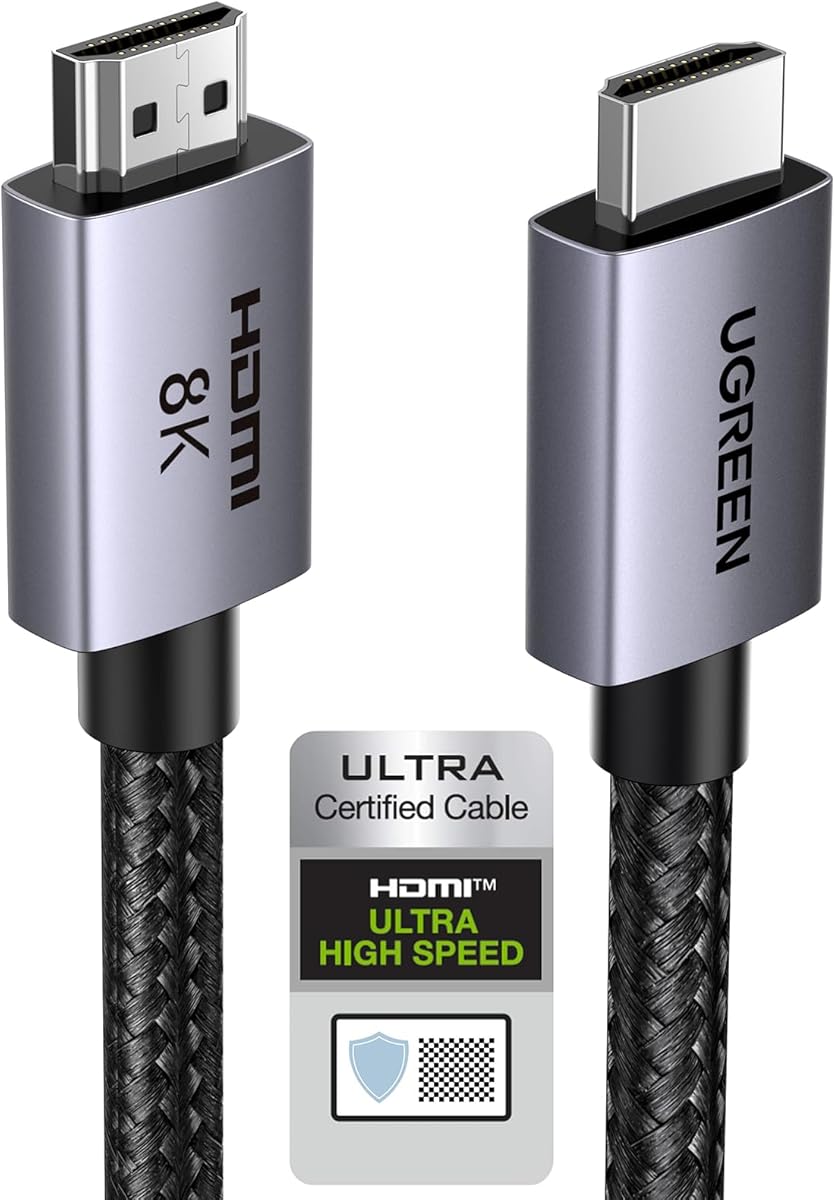
The UGREEN 8K HDMI 2.1 Cable 6.6FT stands out with a 4.8 rating, a certified 48Gbps design, and a broad compatibility list. It supports 4K at 240Hz in the specifications, along with 8K at 60Hz, VRR, Quick Frame Transport, Dynamic HDR, and eARC. Those qualities make it a well-equipped budget-oriented option for a PS5 connected to a modern television.
We may earn a commission when you buy through this link, at no additional cost to you.
Construction receives attention as well. The cable uses an aluminum alloy housing, nickel-plated connectors, and a nylon-braided jacket designed to withstand frequent bending. Its compatibility list explicitly includes PS5 and PS4 Pro, along with current Xbox consoles, Nintendo systems, televisions, projectors, monitors, and streaming devices. That makes it a useful cable for a console shelf that will change equipment over time.
A potential drawback is that the 6.6-foot length may be restrictive for a wall-mounted television or a console placed on a separate shelf. It is also not officially licensed by PlayStation. However, official licensing is not a technical requirement, and the certified HDMI specifications, 48Gbps bandwidth, and feature support are more relevant to everyday signal compatibility.
UGREEN's shorter model is our budget pick because it combines a strong rating with certification, durable components, and useful gaming features at an accessible tier. Choose it for a standard entertainment-center installation, and consider the 10-foot version if routing requires additional reach.
The HDMI 2.1 certification and 48Gbps bandwidth supply the modern high-performance foundation most relevant to 4K gaming. PlayStation licensing is an extra branding benefit, but it is not required for a cable to provide the stated connection features.
The aluminum alloy shell, nickel-plated connectors, and braided jacket are useful qualities in an active gaming area. They provide a more substantial feel than a basic unbraided cable and are well suited to frequent reconnections.
We may earn a commission when you buy through this link, at no additional cost to you.
The Anker HDMI 2.1 Cable is an uncomplicated choice for a PS5 located close to the television. It has a 4.7 rating, six-foot length, 48Gbps bandwidth, and support for 8K at 60Hz and 4K at 120Hz. These specifications cover the central requirements of a modern PS5 gaming connection without requiring a lengthy list of additional functions.
We may earn a commission when you buy through this link, at no additional cost to you.
Its most attractive practical feature is the stated ability to withstand up to 1,000 bends. That makes the cable a good candidate for a frequently handled connection, particularly if the PS5 is moved or plugged into different entertainment devices. The package includes a welcome guide and an 18-month warranty, adding a measure of buyer support that can be useful alongside the product's stated construction.
The six-foot length is shorter than most of the alternatives in this guide. It is likely to work for a console on the same media shelf as the screen, but it offers less flexibility when the television is wall-mounted or the console is positioned at the opposite end of a unit. The product information also does not emphasize eARC, making it less clearly targeted at advanced soundbar or receiver setups.
This Anker cable is ideal for a simple, close-range PS5 installation and buyers who prioritize bandwidth and bend resistance over lengthy specifications. It is also a practical choice for a second room or a monitor within reach, where a shorter lead reduces unnecessary clutter.
Six feet is enough for many standard media-console arrangements and avoids excess cable behind the television. It is especially convenient when the PS5 shares a shelf with streaming hardware and other consoles.
The stated 1,000-bend endurance and 18-month warranty focus on everyday reliability. A buyer can get the necessary high-speed connection without paying attention to a long collection of PC-oriented specifications.
We may earn a commission when you buy through this link, at no additional cost to you.
The JSAUX 10K 8K HDMI Cable 2-Pack is the practical choice for a household that needs more than one long PS5 connection. It has a 4.7 rating and includes two ten-foot cables, each with 48Gbps bandwidth and support for 8K at 60Hz and 4K at 120Hz. The bundle can cover the main television and a second room, projector, or display.
We may earn a commission when you buy through this link, at no additional cost to you.
Signal-related specifications include Dynamic HDR10, VRR, QFT, QMS, eARC, and HDCP 2.2, along with audio support for DTS Master, DTS, and Dolby Atmos. To reduce interference, JSAUX uses tinned copper and triple-layer shielding. The connectors are gold-plated, and the cable combines an aluminum shell with a nylon braid for a durable exterior.
The issue is whether two cables are actually needed. A single-console owner may find one ten-foot lead more convenient, while gamers with a PS5, PS4, PC, or multiple rooms can make good use of the pair. It also lacks the official PlayStation badge carried by the Hori and PowerA alternatives, so licensing should not be the deciding factor for this selection.
The two-pack offers good flexibility and thorough compatibility. It is especially attractive for a shared gaming household that wants identical long cables available for a living-room television and a secondary setup, reducing the need to relocate devices simply to match cable length.
Two matching ten-foot cables simplify a multi-display or multi-room arrangement. One can remain connected to the PS5 while the other connects a PC, secondary console, or entertainment device.
Tinned copper and triple-layer shielding are designed to protect signal quality in setups with nearby electronics or longer cable runs. These construction details complement the cable's broad HDMI feature set.
We may earn a commission when you buy through this link, at no additional cost to you.
The UGREEN 8K HDMI 2.1 Cable 10FT is the long-form version of a highly rated design. It holds a 4.8 rating and retains the same core specifications as the 6.6-foot model: HDMI 2.1 certification, 48Gbps bandwidth, 4K at 240Hz support, 8K at 60Hz, VRR, QFT, Dynamic HDR, and eARC. The extra length is its defining advantage.
We may earn a commission when you buy through this link, at no additional cost to you.
Ten feet provides meaningful routing freedom for a wall-mounted television, a broad media console, or a PS5 placed farther from the screen. The aluminum alloy housing, nickel-plated connectors, and nylon-braided jacket also make it well suited to permanent installation. Its compatibility list includes PS5 consoles as well as TVs, projectors, monitors, soundbars, receivers, and numerous streaming devices.
As with the shorter UGREEN, the cable is not officially licensed by PlayStation. It also offers several high-end specifications that the PS5 may not use, so buyers should focus on the elements that matter: certified bandwidth, 4K high-refresh-rate support, VRR, and dependable physical construction. A buyer with a very short route may find the length unnecessary, but extra cable can be discreetly coiled behind a display.
This is the best UGREEN option for flexible placement, while the 6.6-foot version serves compact setups better. It combines a high rating with a useful length and modern gaming features, making it an excellent all-around selection for a PS5 entertainment system.
Ten feet gives the PS5 room to move around a media unit or sit farther from a wall-mounted television. It also leaves space for cable management, reducing tension at the console and television connectors.
The cable's HDMI 2.1 certification, VRR, QFT, Dynamic HDR, and eARC support make it suitable for a current television and associated sound system. The broad device list also helps if the PS5 is only one part of the setup.
We may earn a commission when you buy through this link, at no additional cost to you.
The PowerA Ultra High Speed HDMI Cable for PlayStation 5 combines official licensing with a ten-foot length, making it our premium PS5-specific recommendation. Its 4.8 rating reflects strong customer feedback, while its listed capabilities include 48Gbps bandwidth, 4K at 120Hz, 8K at 60Hz, Dynamic HDR, and eARC.
We may earn a commission when you buy through this link, at no additional cost to you.
The ten-foot length provides enough reach for a TV mounted on a wall, a wider entertainment cabinet, or a PS5 located on a lower shelf. An included cable tie supports tidier setup management. The cable is officially licensed by PlayStation, backward compatible with earlier HDMI technology, and backed by a two-year limited warranty, producing a well-rounded ownership package.
The drawback is that the premium designation concerns brand position, official licensing, length, and warranty rather than a unique technical feature unavailable from competing cables. The UGREEN models offer comparable core specifications and high ratings. Buyers who prioritize official PlayStation design and a long cable may find the extra emphasis worthwhile, while more technical buyers may see another certified cable as equally capable.
This cable is an excellent choice for a dedicated PS5 installation, especially one where the console is not immediately beside the television. It brings together licensing, modern bandwidth, useful length, dynamic video features, and warranty coverage in one package.
Official licensing makes this especially appropriate for buyers who want a cable explicitly designed and branded for the PS5. It adds confidence in the product's positioning without changing the fundamental need to match the cable to the display.
The included cable tie and two-year limited warranty make the package more considered than a basic lead. These details are particularly welcome for a permanent home-gaming installation.
We may earn a commission when you buy through this link, at no additional cost to you.
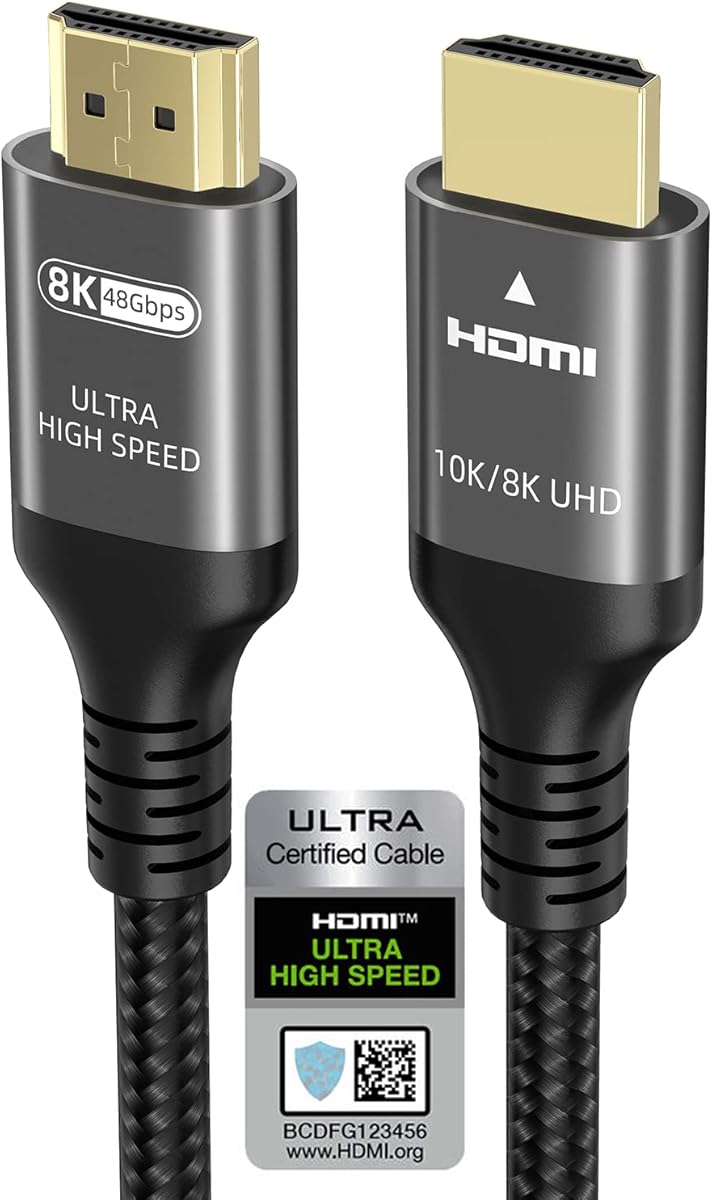
The Ubluker 10K 8K 4K HDMI Cable is a 6.6-foot certified cable whose specifications cover nearly every major modern HDMI feature. It has a 4.7 rating, 48Gbps bandwidth, and support for 4K at 120Hz and 240Hz, 8K at 60Hz, and even 10K output. VRR, ALLM, QFT, QMS, Dynamic HDR, HDR10+, and HDCP 2.2 are also listed.
We may earn a commission when you buy through this link, at no additional cost to you.
Its certification is presented as an official HDMI certification, which is relevant for buyers comparing similarly priced cables. Audio capabilities include eARC, ARC, DTS Master, DTS:X, Dolby TrueHD, Dolby Atmos, and Dolby Vision. Compatibility spans PS5, PS4, PS3, Xbox Series X and S, gaming PCs, FreeSync, G-SYNC, televisions, projectors, soundbars, and streaming platforms.
Because the specification list is extremely broad, it is important to match expectations to the PS5. High refresh rates above 120Hz and many PC-oriented features will not be exercised by the console, though they make the cable useful for a mixed equipment shelf. The 6.6-foot length may also be too short for a wall-mounted screen, and the product does not have official PlayStation licensing.
Ubluker is a strong choice for buyers who want a well-certified, versatile cable with an extensive feature sheet. It is particularly attractive for a PS5 and PC sharing one television, where broader refresh-rate support adds meaningful value.
The range of supported gaming and media features makes this cable useful beyond a basic PS5 link. Owners can rely on it in a mixed console-and-PC entertainment system without needing a narrowly specialized lead.
Official HDMI certification and explicit PS5 support make the product easier to place in a shortlist. Its wider console, PC, television, projector, and audio-device compatibility adds flexibility for changing setups.
We may earn a commission when you buy through this link, at no additional cost to you.
The Highwings 8K HDMI Cable 10FT is a long, high-bandwidth option for PS5 setups that need extra reach. It carries a 4.7 rating, supports 48Gbps bandwidth, 8K at 60Hz, and 4K at 120Hz, and is backward compatible with older HDMI standards. Its primary appeal is the combination of ten-foot routing flexibility and modern gaming bandwidth.
We may earn a commission when you buy through this link, at no additional cost to you.
The cable's game mode supports variable refresh rate, while the upgraded anti-bending connector-tail design and military-grade tensile nylon aim to improve longevity. These are practical details for a cable that will remain connected behind a television or run between components in a media cabinet. The construction is also more specialized than a bare-bones premium cable.
Compared with the Hori and PowerA options, it does not offer official PlayStation licensing or a stated warranty in the supplied information. Its feature set is also less expansive than the Silkland, UGREEN, and Ubluker models. However, the core 4K gaming capabilities are appropriate for the PS5, and the long length solves a practical problem that a 6.6-foot cable may not.
This Highwings model is a good fit for a PS5 placed across the room, below a large television, or behind a broad console. It balances useful length with the bandwidth needed for 4K high-refresh-rate gaming, making it a practical long-cable option without requiring the most extensive feature list.
The extended length makes it easier to place the PS5 without forcing a tight path to the television. It also offers more slack for concealing the cable and reducing strain at either connector.
The updated connector tail is intended to resist bending, while the tensile nylon exterior is designed for repeated use. These features are valuable in a gaming setup where the cable may be moved regularly.
We may earn a commission when you buy through this link, at no additional cost to you.
The right PS5 cable depends on display capabilities, physical placement, and the features you expect to use. Start with the resolution and refresh rate supported by your television, then consider length, certification, gaming features, construction, and whether official PlayStation licensing matters to you.
Begin with the specifications of the television or monitor rather than the largest resolution printed on a cable box. A PS5 setup commonly uses 4K output, and a compatible television with a 120Hz gaming mode can use 4K at 120Hz with suitable games. A cable cannot add a refresh rate to a display that lacks one, so matching the cable to the screen prevents spending money on specifications that will remain unused.
Choose a 48Gbps Ultra High-Speed or certified HDMI 2.1 cable for a modern setup. Lower-bandwidth older cables may work for basic 4K or 1080p use, but they provide less room for high-refresh-rate gaming, VRR, and advanced display features.
HDMI 2.1 is a broad specification family, so it is helpful to distinguish a cable described as HDMI 2.1 from one that carries formal certification. Certified Ultra High-Speed cables have been tested against defined criteria, while an uncertified product can still advertise many of the same headline capabilities. Reviewing the certification details gives buyers another way to compare otherwise similar listings.
For a PS5 connected to a 4K television, certified 48Gbps models from UGREEN, Silkland, Ubluker, and Highwings provide a strong technical foundation. Certification does not mean that every advertised feature will be supported by the PS5, so buyers should still check the television and game requirements.
Measure the actual route from the PS5 to the television, including the depth of the console, the position of the display, and the space needed to bend the cable without creating strain. A six-foot lead is usually sufficient when both devices are close together, while ten feet is more practical for wall-mounted televisions, wider media cabinets, and lower console shelves.
Avoid choosing a cable that is much too short simply because excess length can be coiled. Conversely, do not assume a long cable will solve a poor connection. Length is primarily a placement and convenience decision, while certification, bandwidth, and signal construction determine performance capability.
Variable refresh rate, automatic low-latency mode, and dynamic HDR can improve the experience on compatible televisions, but they form a system rather than a cable-only feature. The game, console, display, and cable must all support the relevant feature. If your priority is smoother motion and responsive gaming, confirm that the television supports the PS5's variable-refresh-rate behavior and the desired high-resolution mode.
Most of the recommended cables list VRR, ALLM, QFT, or HDR-related support. These features make the cables appropriate for modern displays, but shoppers should avoid assuming that a marketing list guarantees a visible benefit on unsupported hardware.
If the PS5 connects directly to a television and soundbar, cable support for eARC and high-bitrate audio can matter. Dolby Atmos, DTS:X, and related formats depend on the television, soundbar, source material, and game. If you use an AV receiver, confirm that the intended routing and audio-return features are supported by that equipment.
Cables such as the Silkland, UGREEN, Ubluker, and JSAUX explicitly highlight eARC and advanced audio formats. The Anker and Hori products focus more heavily on the core gaming connection, which may be sufficient for a simple television-only setup.
A gaming cable is often handled more than a permanently installed home-cinema lead, particularly if the PS5 is moved, swapped with another console, or connected to different devices. Braided nylon jackets, reinforced connector tails, aluminum housings, and plated connectors can improve resistance to everyday wear. Anker states a 1,000-bend capability, while several other options describe tested or reinforced materials without providing a comparable numerical figure.
Durability claims should be considered alongside proper care. Avoid sharply folding the cable at the connector, pulling it sideways to unplug it, and routing it through a tight door or furniture edge. Even a well-built cable can fail when subjected to force it was not designed to withstand.
The Hori cable is officially licensed by Sony, and the PowerA cable is officially licensed by PlayStation. Licensing can reassure buyers that the product was designed with the console in mind and may provide a more cohesive branded setup. It also comes with a stated two-year limited warranty for the PowerA model. A two-year limited warranty for the PowerA model.
Licensing is not essential for correct HDMI operation, and several non-licensed cables in this guide have strong ratings, certified 48Gbps specifications, and PS5 compatibility. Decide based on brand preference and setup aesthetics, then focus on the more important question of whether the cable supports the resolution, refresh rate, and features of your display.
The same cable may eventually connect a gaming PC, PS4, Xbox, projector, or streaming device. High-resolution PC modes, adaptive-sync technologies, and a broad device compatibility list can make one cable more useful over time. This is particularly relevant to the Highwings, Silkland, UGREEN, JSAUX, and Ubluker models, all of which advertise compatibility beyond PlayStation hardware.
Broader compatibility is useful, but it should not replace a focused purchase. If the cable is primarily for a PS5, prioritize the stated 4K and high-refresh-rate support, adequate length, reliable construction, and compatibility with your exact television. Extra specifications become valuable when the setup genuinely includes those other devices.
Start by connecting the HDMI cable to the correct HDMI port on the PS5 and the matching input on the television or monitor. Turn on the display first, select the appropriate HDMI input, and then power on the console. Once the picture appears, check the television's picture settings and confirm that the intended resolution and high-refresh-rate mode are active. The available choices depend on the specific game, television, and display configuration.
For the best signal, connect the cable directly whenever possible and avoid unnecessary adapters or converters. Route the lead behind the television or within the media cabinet, leaving a small amount of slack at each end. Do not wrap it tightly around the PS5, force it into a narrow raceway, or place a sharp bend immediately beside either connector. Those habits can stress the cable and create avoidable connection issues.
When unplugging the cable, grip the connector housing rather than pulling on the wire. Keep the connection clean and dry, and inspect it periodically for damaged shielding, bent pins, or a loose fit. If the picture becomes unstable, reseat both ends and check the television input before changing cables or settings. Store unused cables loosely rather than creating a tight coil.
A dedicated cable is not required, but a modern 48Gbps HDMI 2.1 cable is the safest choice for 4K high-refresh-rate gaming and current display features. The television, game, console, and cable must all support the selected resolution and refresh rate. An older HDMI cable may still carry 1080p or basic 4K, but it can limit access to the PS5's highest-bandwidth modes.
It is worth considering when you own a 4K television with 120Hz gaming support or plan to use VRR, ALLM, Dynamic HDR, and eARC. The cable provides bandwidth headroom rather than upgrading the television by itself. If your display is only 1080p, the practical benefit will be much smaller.
Six feet is usually enough for a PS5 and television positioned close together, while ten feet offers easier routing for wall-mounted screens and wider cabinets. Measure the intended path and leave enough slack for the connector bends. A cable that is barely long enough can pull the PS5 or television toward each other.
No. Official PlayStation licensing is a brand and design consideration, not a requirement for standard HDMI operation. Many non-licensed certified HDMI 2.1 cables support the PS5 correctly. Licensing may appeal to buyers who want a console-specific product, consistent branding, or a stated manufacturer warranty.
Yes, provided the cable has sufficient bandwidth and both the television and the source device support the selected resolution and refresh rate. A 48Gbps Ultra High-Speed cable with VRR is a versatile choice. Remember that the PS5 and gaming PC have different output capabilities, so the television's input settings may need to be changed when switching sources.
A properly constructed 48Gbps cable should support the intended signal at normal consumer distances, including the ten-foot options in this guide. Very long runs, poor-quality cables, sharp bends, and interference can create instability. Keep the route reasonable, avoid tightly coiling the cable, and use a shorter high-quality cable if a specific installation causes problems.
Prioritize 48Gbps bandwidth, 4K at 120Hz support, VRR, and compatibility with your television. HDR, ALLM, QFT, and eARC can also be useful depending on the display and audio equipment. Do not focus exclusively on maximum advertised resolution, because the PS5 does not output every 8K or ultra-high-refresh-rate mode shown on a cable listing.
Confirm that the television is on the correct HDMI input, reseat both cable ends, and try the known-good port or another input. Make sure the television is detecting the console and check that no incompatible adapter or switcher sits between the devices. If the console displays a menu but the picture flickers, test another certified cable and update the television firmware.
The Hori Ultra High Speed HDMI Cable is the strongest general recommendation for PS5 owners because it is officially licensed by Sony, purpose-designed for the console, and supplied with a durable braided construction. The UGREEN 6.6FT model is the feature-rich budget selection, while the PowerA model takes the premium position through official licensing, ten-foot routing flexibility, and a two-year limited warranty.
Prioritize the features your actual setup can use. Match the cable to the television's resolution and refresh rate, choose enough length for comfortable routing, and confirm VRR or HDR support when those functions are important. Construction and proper care also matter because even a capable cable can fail under repeated strain or an overly tight bend.
Finally, check current prices and availability before buying, since promotions and catalog details can change. Review the official product listing, compare the cable's certification and physical dimensions with your equipment, and make sure the selected connection matches both your PS5 and the display you already own.